Product sheets, purchase orders and quotations for manufacturers on Odoo
A manufacturer sends two kinds of documents: sheets that describe what it makes, and orders and quotations that move it. Both come from the data already in Odoo.
The documents
| Document | Odoo model | What it carries |
|---|---|---|
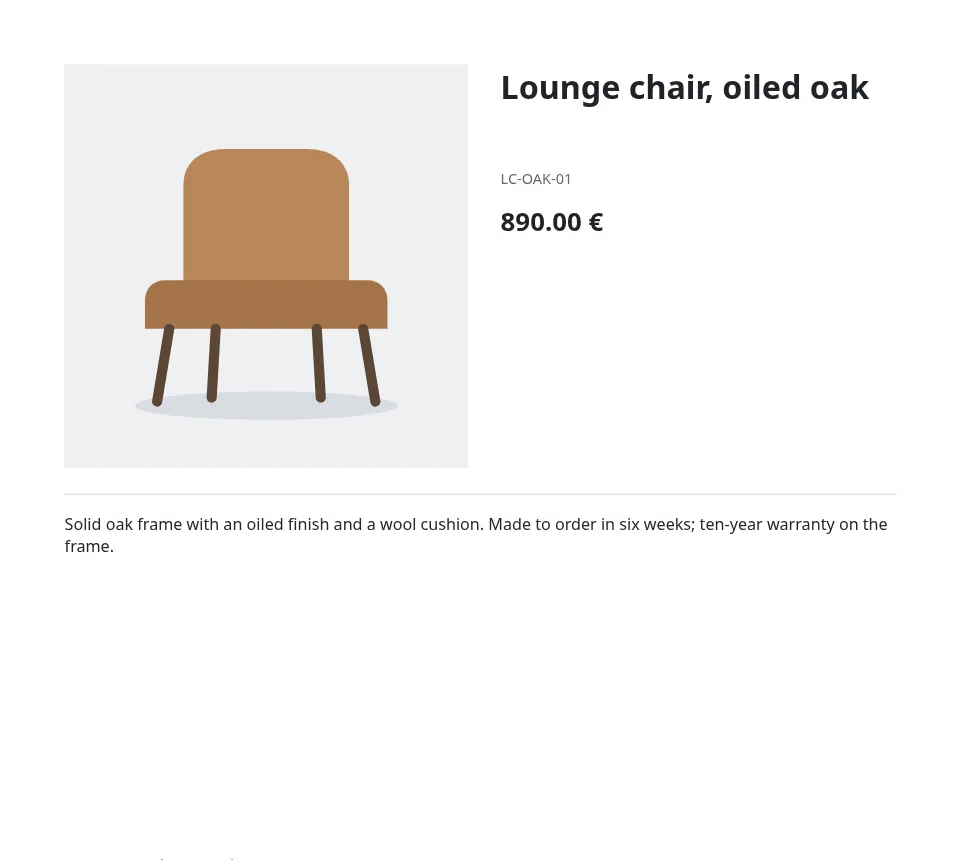
| Product sheet | product.template | Photo, reference, price, description and a specification table. |
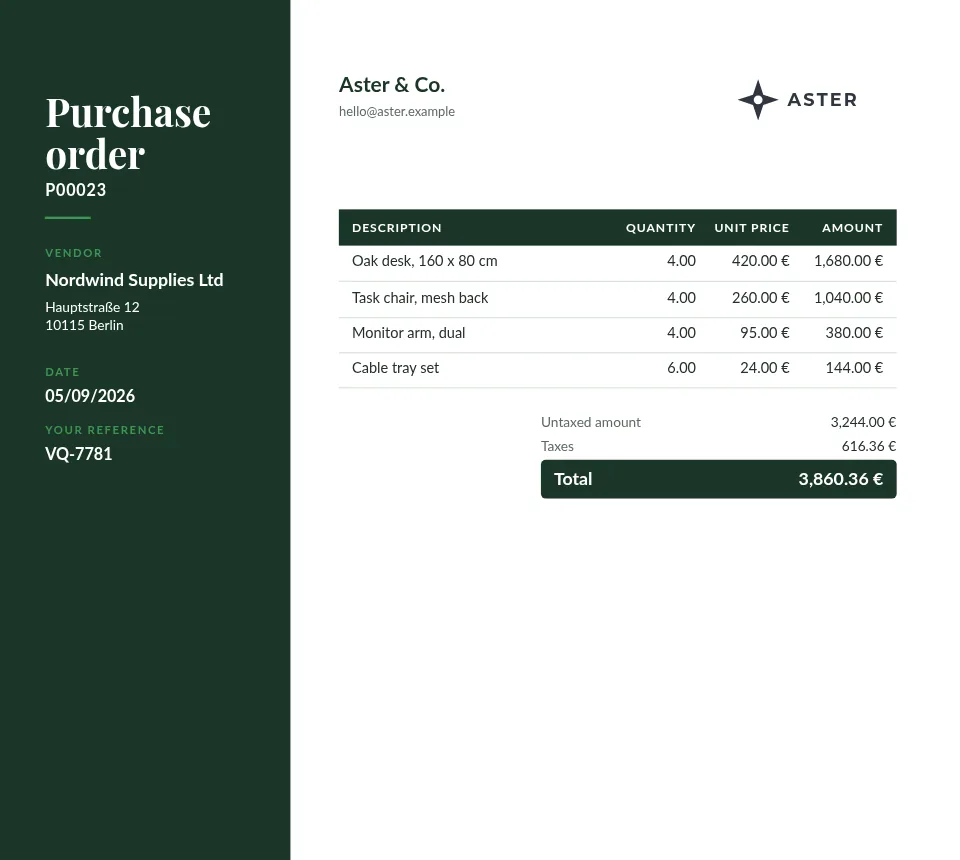
| Purchase order | purchase.order | The supplier, the lines you buy, their dates and your reference. |
| Quotation | sale.order | Configured lines, lead times and conditions for the customer. |
| Delivery slip | stock.picking | What leaves the warehouse against what was ordered. |
What matters here
Specifications as a table
A grid lays out the rows and columns you type, such as dimensions, materials or tolerances, and any cell can print a product field, so one sheet design fits the whole range.
One page per product, or one document
A product sheet prints one page per record, so a selection of fifty products becomes a fifty-page PDF. Orders print as one flowing document.
Text that appears only when it applies
"Show only if" prints a block only when a rule holds: a hazard note for one category, a lead time when the field is set, a discount column only when a line has one.
Your header and footer everywhere
Design the company header and footer once as parts; every template that uses them follows a change.
How it works
- Install the free module in Odoo. Dynamic PDF Report Builder is on the Odoo Apps Store for Odoo 18, 19 and 20. In its Settings, click Connect and allow the connection on erp2pdf.com: no keys to copy.
- Pick a design in Studio. Start from a quotation, invoice, purchase order, delivery slip or product sheet in the style, palette and fonts you choose. Drag Odoo fields onto the page and see the values of your own records while you design.
- Odoo prints it. Make the template Odoo's own PDF: Print, Send by email, the order confirmation and the customer portal use it. Or generate PDFs from any selection of records.
Plans
Starter, the free plan, has Studio, the connector, the API and translations, with 20 credits a month (about one per page) and a small "Made with erp2pdf.com" line on the PDF. Pro prints without the line and adds email templates sent from Odoo, your own fonts and print-ready PDF: CMYK with the ICC profile library and PDF/X export. Enterprise adds team workspaces. See the prices.
Try it on your own Odoo: the module and the Starter plan are free.
Questions
Can it read fields we added in Odoo Studio or a custom module?
Yes. Studio lists the fields of the connected Odoo, custom ones included; models beyond the defaults are added in the module's Settings.
Can our supplier documents use another layout than the customer ones?
Yes. Each model has its own template, and a company can set its own default per model.
Do we need a developer?
No. The templates are designed in Studio by dragging fields onto the page; there is no QWeb to write.