Quotations and invoices for consultancies and agencies on Odoo
A services firm is judged by its proposal before the work starts. The quotation and the invoice that follows should read like the rest of the firm's writing, not like a database export.
The documents
| Document | Odoo model | What it carries |
|---|---|---|
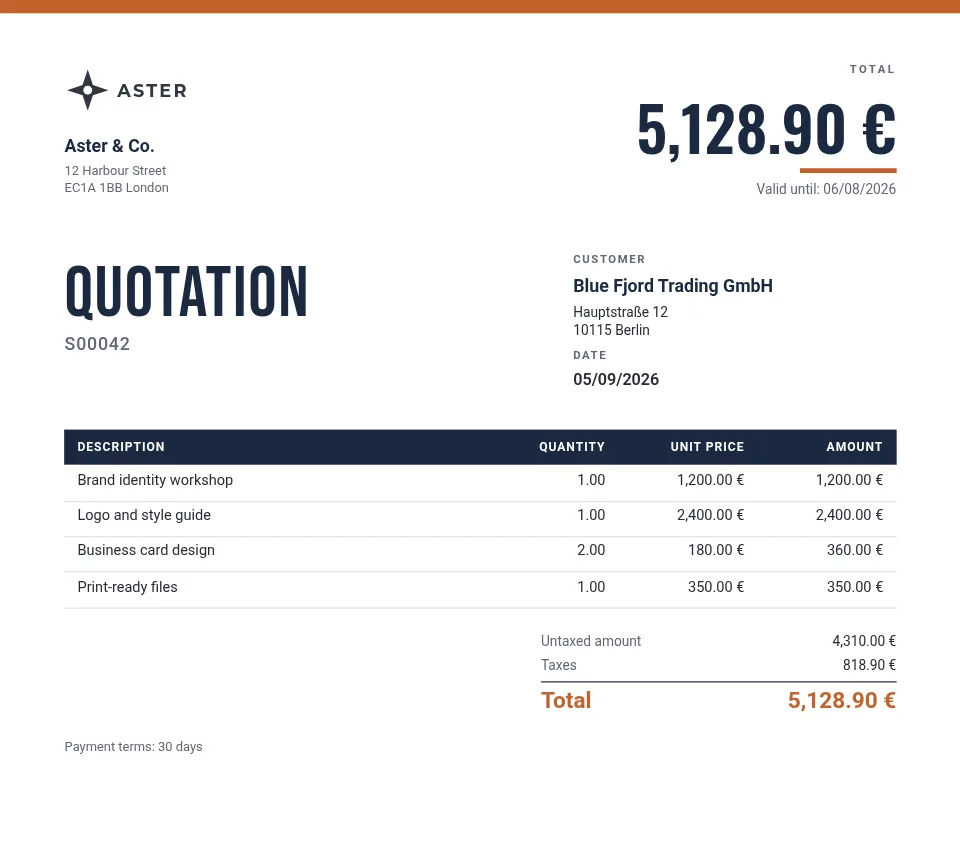
| Quotation | sale.order | The scope as lines, the terms, the validity date and the total. |
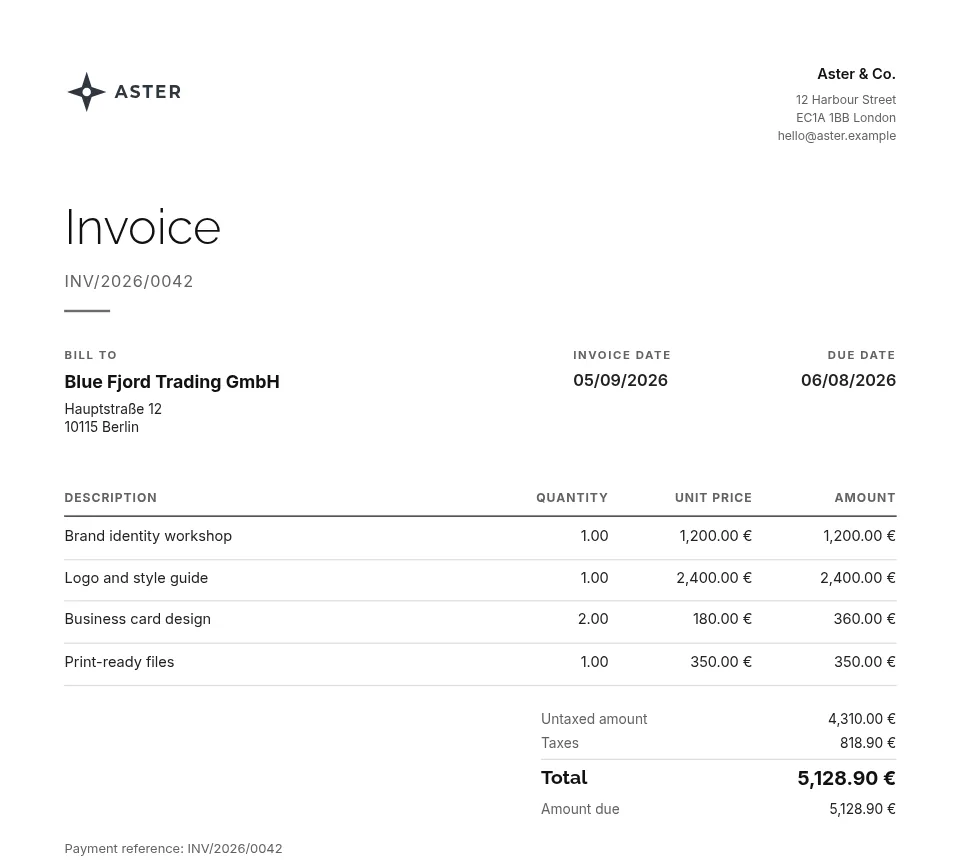
| Invoice | account.move | The amount due, the amount in words and the payment reference. |
| Any document with a chart | sale.order, account.move | The amount per line or service as bars or a donut. |
What matters here
Terms as a table you type
A grid holds payment milestones, rates or what is included, with fields such as the total or the validity date in its cells.
The total in words
Print the amount in words in the document's language, as many contracts and invoices require.
A chart of the work
A chart draws the order's lines, the amount per service, as bars, a line, a pie or a donut; one with fixed values shows untaxed amount against taxes.
Sections you reuse
Group a title band and its texts into a section, then copy it below for the next part of the proposal.
How it works
- Install the free module in Odoo. Dynamic PDF Report Builder is on the Odoo Apps Store for Odoo 18, 19 and 20. In its Settings, click Connect and allow the connection on erp2pdf.com: no keys to copy.
- Pick a design in Studio. Start from a quotation, invoice, purchase order, delivery slip or product sheet in the style, palette and fonts you choose. Drag Odoo fields onto the page and see the values of your own records while you design.
- Odoo prints it. Make the template Odoo's own PDF: Print, Send by email, the order confirmation and the customer portal use it. Or generate PDFs from any selection of records.
Plans
Starter, the free plan, has Studio, the connector, the API and translations, with 20 credits a month (about one per page) and a small "Made with erp2pdf.com" line on the PDF. Pro prints without the line and adds email templates sent from Odoo, your own fonts and print-ready PDF: CMYK with the ICC profile library and PDF/X export. Enterprise adds team workspaces. See the prices.
Try it on your own Odoo: the module and the Starter plan are free.
Questions
Can each client get the proposal in their language?
Yes. The template's texts are translated once in Studio and Odoo prints each document in its client's language.
Can we keep our own layout for long proposals?
The quotation flows over as many pages as its lines need; the header and footer parts repeat on every page.
Does it need Odoo Enterprise?
No. Community and Enterprise both work, on Odoo 18, 19 or 20.