Document templates for every client: a tool for Odoo partners and agencies
Every Odoo project ends with someone asking for the invoice to look like the company's. Studio turns that ticket into an afternoon of design instead of QWeb work, and keeps each client's templates apart.
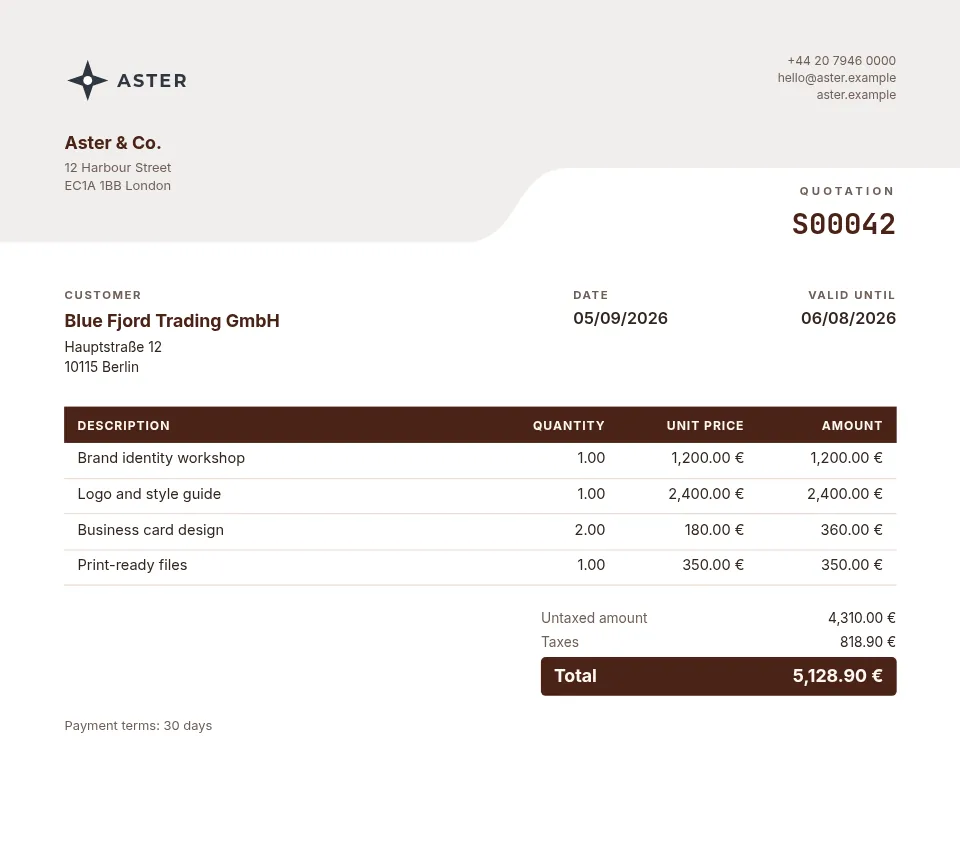
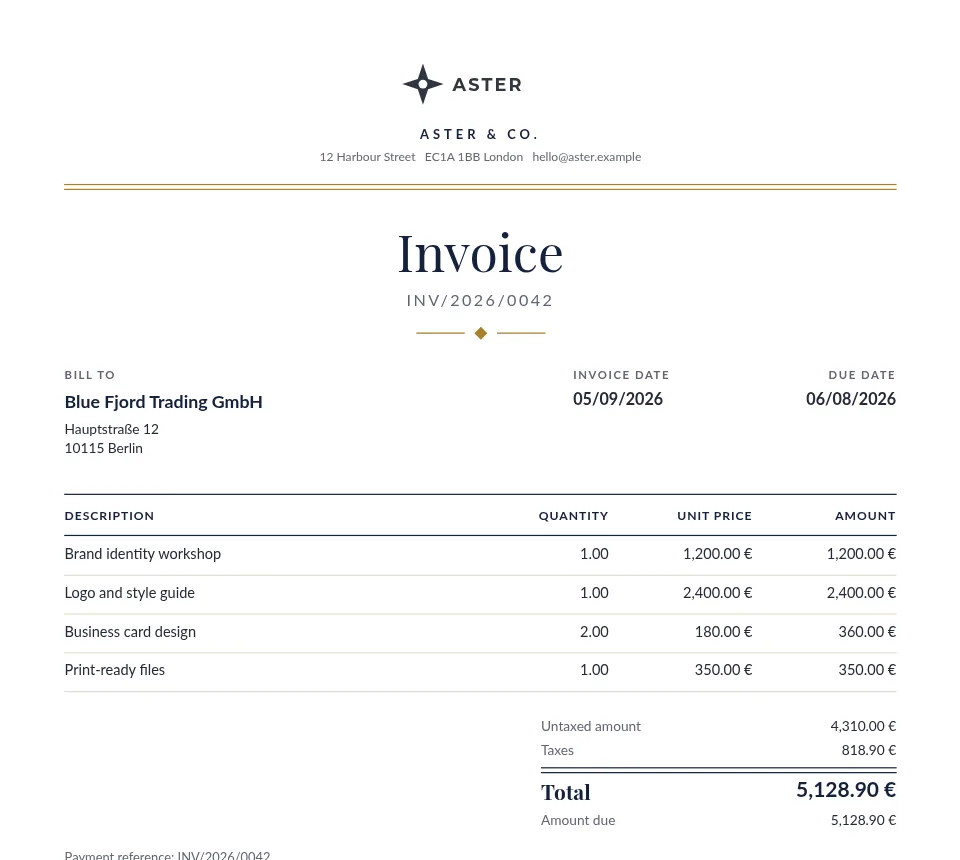
The documents
| Document | Odoo model | What it carries |
|---|---|---|
| Quotation, invoice, purchase order | sale.order, account.move, purchase.order | The documents every client asks for first. |
| Delivery slip and any other model | stock.picking and more | Default templates for any model the client's Odoo allows. |
| Emails Odoo sends | mail templates | Designed with blocks, with the PDF attached (Pro). |
What matters here
A workspace per client
Sub-workspaces keep each client's templates, Odoo connection and tokens apart, and you switch between them in a click (paid plans).
Templates you can move
Export a template with its header and footer parts as a file and import it into another workspace: build a house style once, adapt it per client.
An API and an MCP server
The Template API lets your scripts, or an AI agent through the open-source MCP server, list a client's models and fields, create templates from starters, check what every field prints for a real record and render previews.
Three Odoo versions, one module
The connector is published for Odoo 18, 19 and 20, free and open source (LGPL-3).
How it works
- Install the free module in Odoo. Dynamic PDF Report Builder is on the Odoo Apps Store for Odoo 18, 19 and 20. In its Settings, click Connect and allow the connection on erp2pdf.com: no keys to copy.
- Pick a design in Studio. Start from a quotation, invoice, purchase order, delivery slip or product sheet in the style, palette and fonts you choose. Drag Odoo fields onto the page and see the values of your own records while you design.
- Odoo prints it. Make the template Odoo's own PDF: Print, Send by email, the order confirmation and the customer portal use it. Or generate PDFs from any selection of records.
Plans
Starter, the free plan, has Studio, the connector, the API and translations, with 20 credits a month (about one per page) and a small "Made with erp2pdf.com" line on the PDF. Pro prints without the line and adds email templates sent from Odoo, your own fonts and print-ready PDF: CMYK with the ICC profile library and PDF/X export. Enterprise adds team workspaces. See the prices.
Try it on your own Odoo: the module and the Starter plan are free.
Questions
Do our clients need their own erp2pdf.com account?
No. Each client can be a sub-workspace of yours; their Odoo connects to it with the module's Connect button.
Can an AI agent build a template?
Yes. Give it a Template API token and the MCP server; it designs and previews the template, and you review it in Studio.
Is the module open source?
Yes, under LGPL-3; it is on the Odoo Apps Store as Dynamic PDF Report Builder.