Print-ready product catalogs and pricelists from Odoo
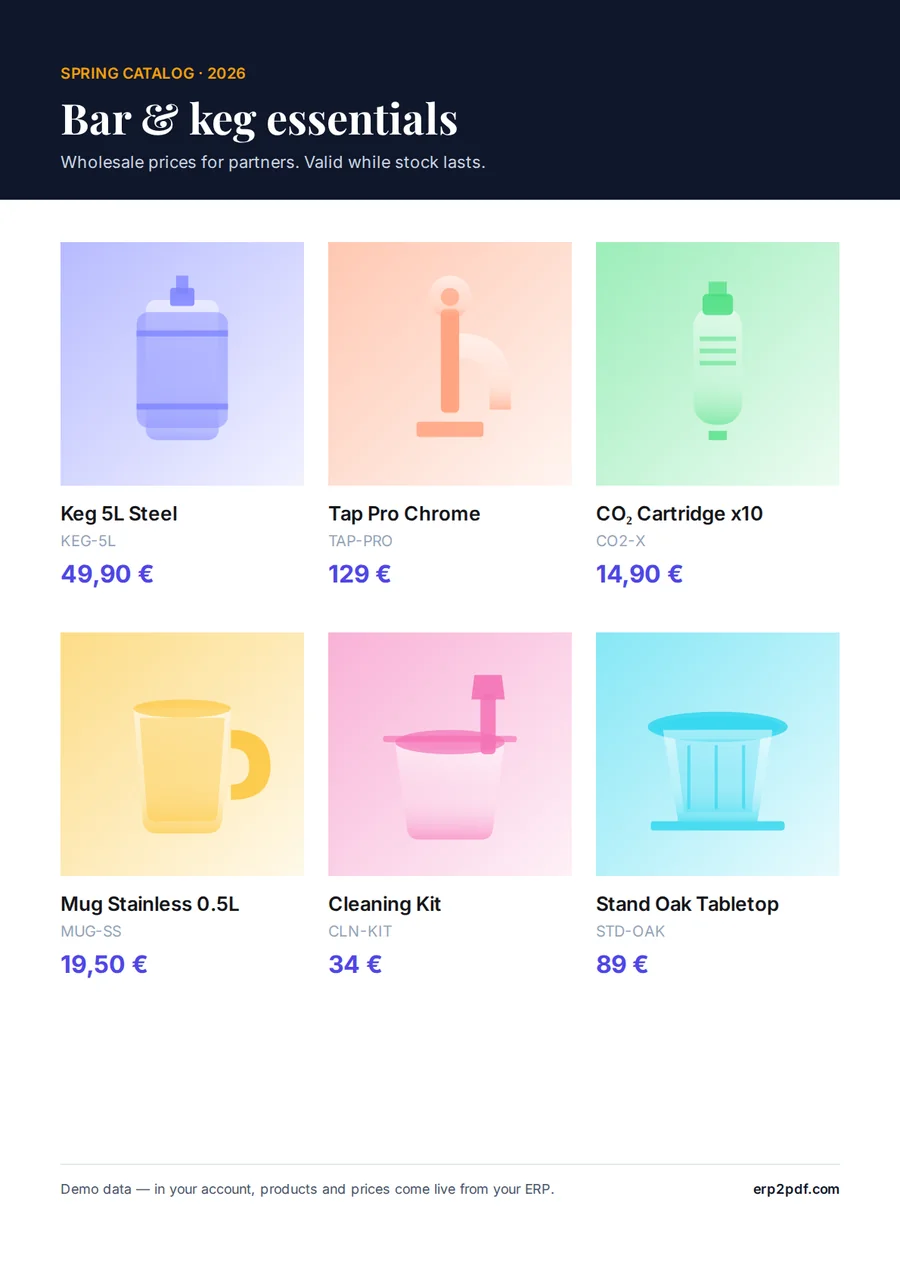
A catalog is out of date the day a price changes. Build it from the products in Odoo instead of a spreadsheet, and export it again when they change.
The documents
| Document | Odoo model | What it carries |
|---|---|---|
| Product catalog | product.template | Pages of products with photo, name, code and price, laid out in the catalog editor. |
| Pricelist | product.template | Products and prices as a list, for a season or a customer. |
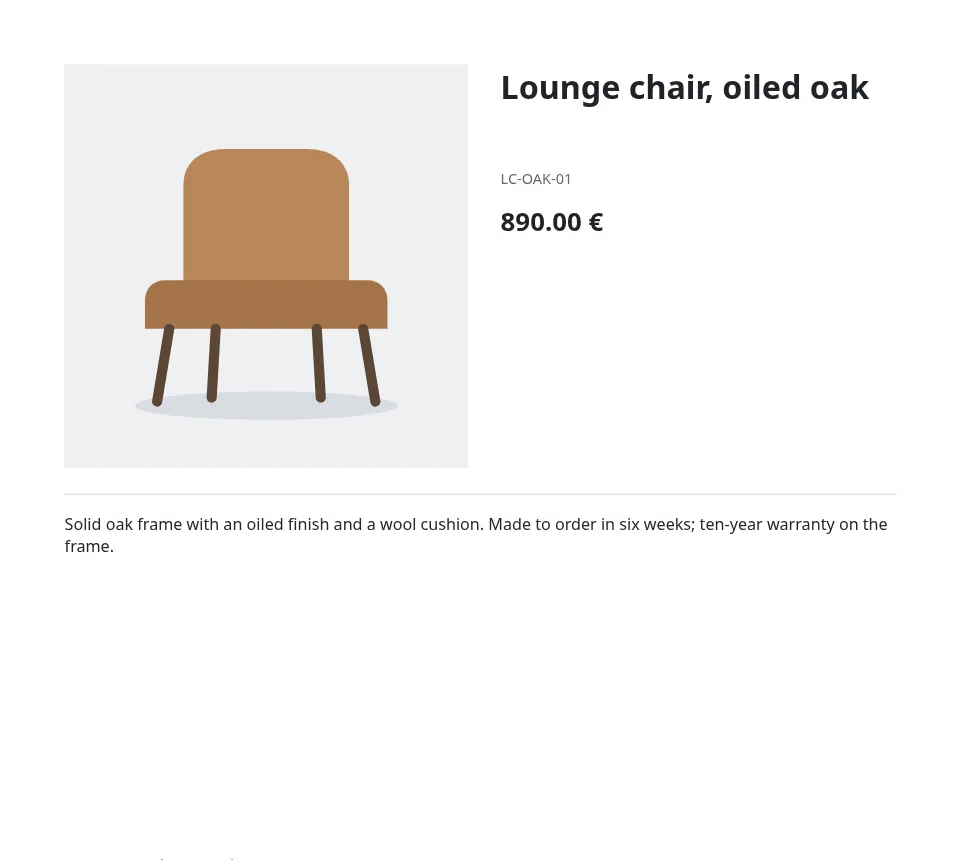
| Product sheet | product.template | One page per product, designed in Studio. |
What matters here
Products straight from Odoo
The catalog editor reads products, prices, descriptions and photos over Odoo's API. When a price changes in Odoo, refresh and it is in the catalog.
CMYK for the printer
On Pro the PDF is converted to CMYK with Coated FOGRA39 or another profile of the ICC library, with bleed and safe-zone checks.
PDF/X for the press
Pro also exports PDF/X-1a or PDF/X-4 with trim and bleed boxes, the output intent set to the profile you print with.
Codes the shop can scan
Print EAN or QR codes from the product's fields on every item.
How it works
- Install the free module in Odoo. Dynamic PDF Report Builder is on the Odoo Apps Store for Odoo 18, 19 and 20. In its Settings, click Connect and allow the connection on erp2pdf.com: no keys to copy.
- Pick a design in Studio. Start from a quotation, invoice, purchase order, delivery slip or product sheet in the style, palette and fonts you choose. Drag Odoo fields onto the page and see the values of your own records while you design.
- Odoo prints it. Make the template Odoo's own PDF: Print, Send by email, the order confirmation and the customer portal use it. Or generate PDFs from any selection of records.
Plans
Starter, the free plan, has Studio, the connector, the API and translations, with 20 credits a month (about one per page) and a small "Made with erp2pdf.com" line on the PDF. Pro prints without the line and adds email templates sent from Odoo, your own fonts and print-ready PDF: CMYK with the ICC profile library and PDF/X export. Enterprise adds team workspaces. See the prices.
Try it on your own Odoo: the module and the Starter plan are free.
Questions
Which profile should we use?
Ask the print shop. Without an answer, Coated FOGRA39 suits coated paper in Europe; uncoated paper and US presses have their own profiles in the list.
Can we upload the profile our printer sent?
Yes, on Pro: upload the .icc file under Print profiles and make it the default.
Do we need the Odoo module for catalogs?
No. The catalog editor signs in to Odoo with an Odoo login; the module is for the documents Odoo prints itself.